





01On-device
Speech to text, on your PC
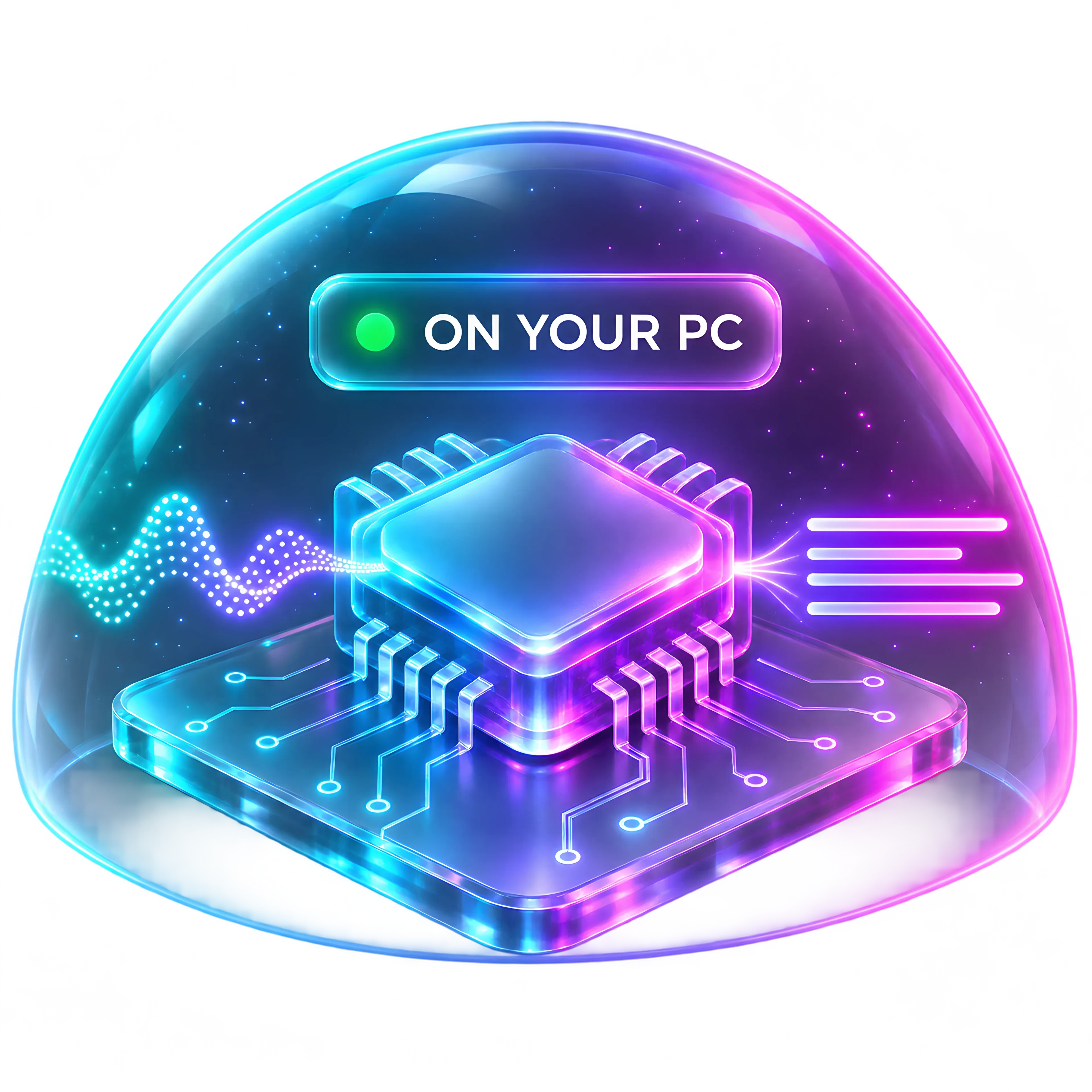
Your voice becomes words on your own computer. Never in a data centre.
Speak in any Windows app and clean, ready-to-send text appears right where you're typing. Your voice becomes words on your own PC, never in someone else's cloud.
To MC Mia Chen
Subject Thursday
Hi Mia, Thursday at 3 works for me. Let's meet at the café and bring the draft.
Thanks so much, talk soon!
Scroll into it
Private by design Live on this PC
Speech becomes text on your own computer. Nothing is uploaded, nothing is kept by us, nothing trains an AI.
How we keep it private
Not a setting you have to find. Not a policy you have to trust. It's how Sovona works, every time you speak.
 You speakInto your own microphone
 Your PC turns it into textA speech engine on your own computer
 Text lands in your appAnd stays in your History
01On-device
Your voice becomes words on your own computer. Never in a data centre.
02Offline
Dictation, History, notes and on-device AI keep working on a plane or in a basement.
03No screenshots
Sovona never captures your screen, and it skips password fields completely.
04Yours
What you say is not used to train our models, or anyone else's.
05Opt-in only
Usage stats stay off unless you switch them on, and they never contain your words.
06Always saved
If text can't be typed, it goes to your clipboard, and it is always kept in History.
Why people switch
Most voice apps send your words to someone else's server. Sovona does the work on your own PC, and does more of it.
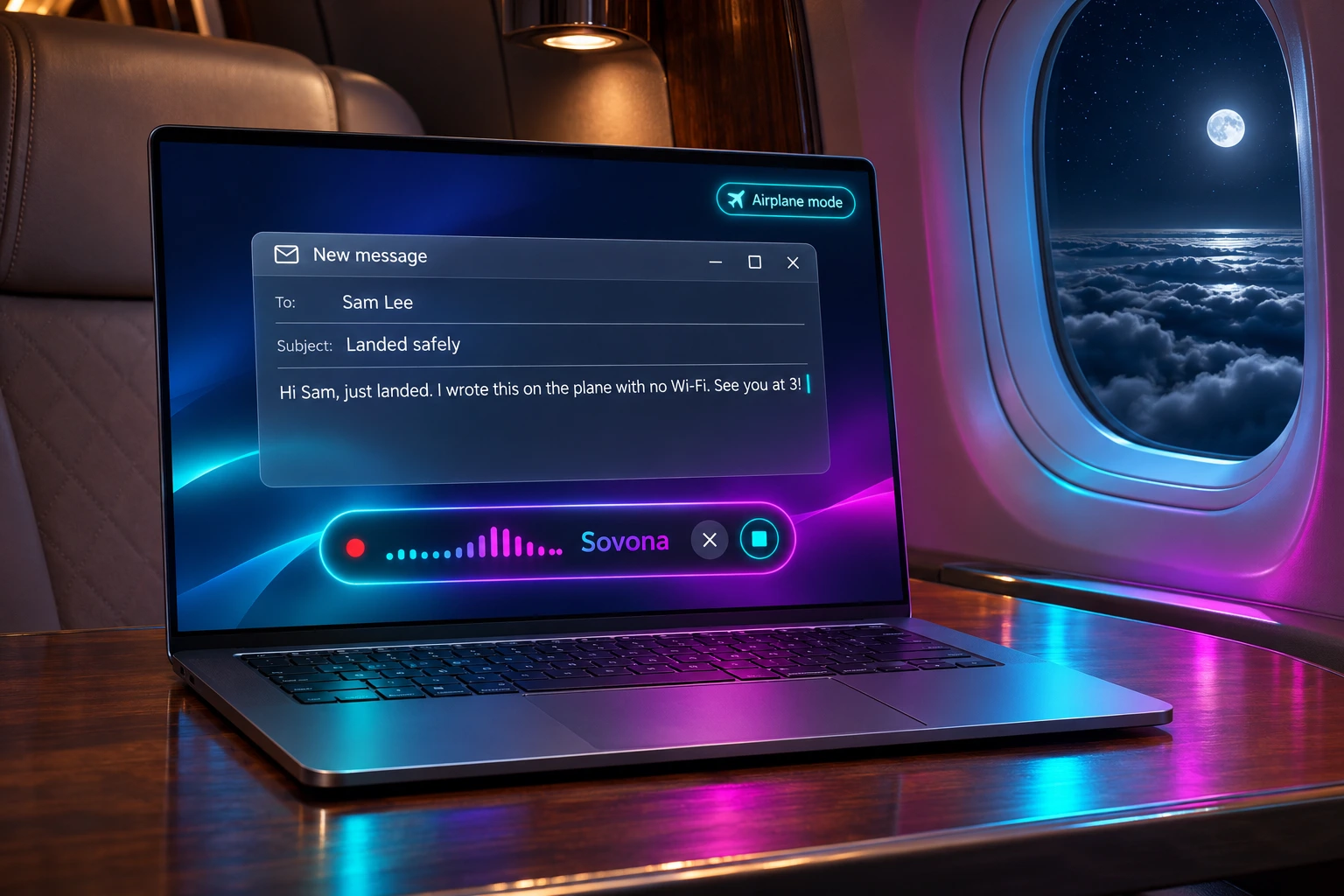
Airplane mode on
On a plane, in a train tunnel, in a basement office. Dictation, History, notes and on-device AI keep working with no internet at all.
Dictation, meeting notes, private AI chat, documents and a PDF studio. Stop paying for separate tools that each want a copy of your words.
No ads, no selling, no training on what you say. And in our launch month, Founders Lifetime lets you pay once and keep it for life.
Not a Mac app ported later. A native Windows app with one small floating pill that stays out of your way while you work.
To format your text, Sovona only uses the app's name and the field you're typing in, and neither leaves your PC. No screen reading.
Side by side
Facts from each company's own pages, checked 6 November 2026.
How it works
01Speak
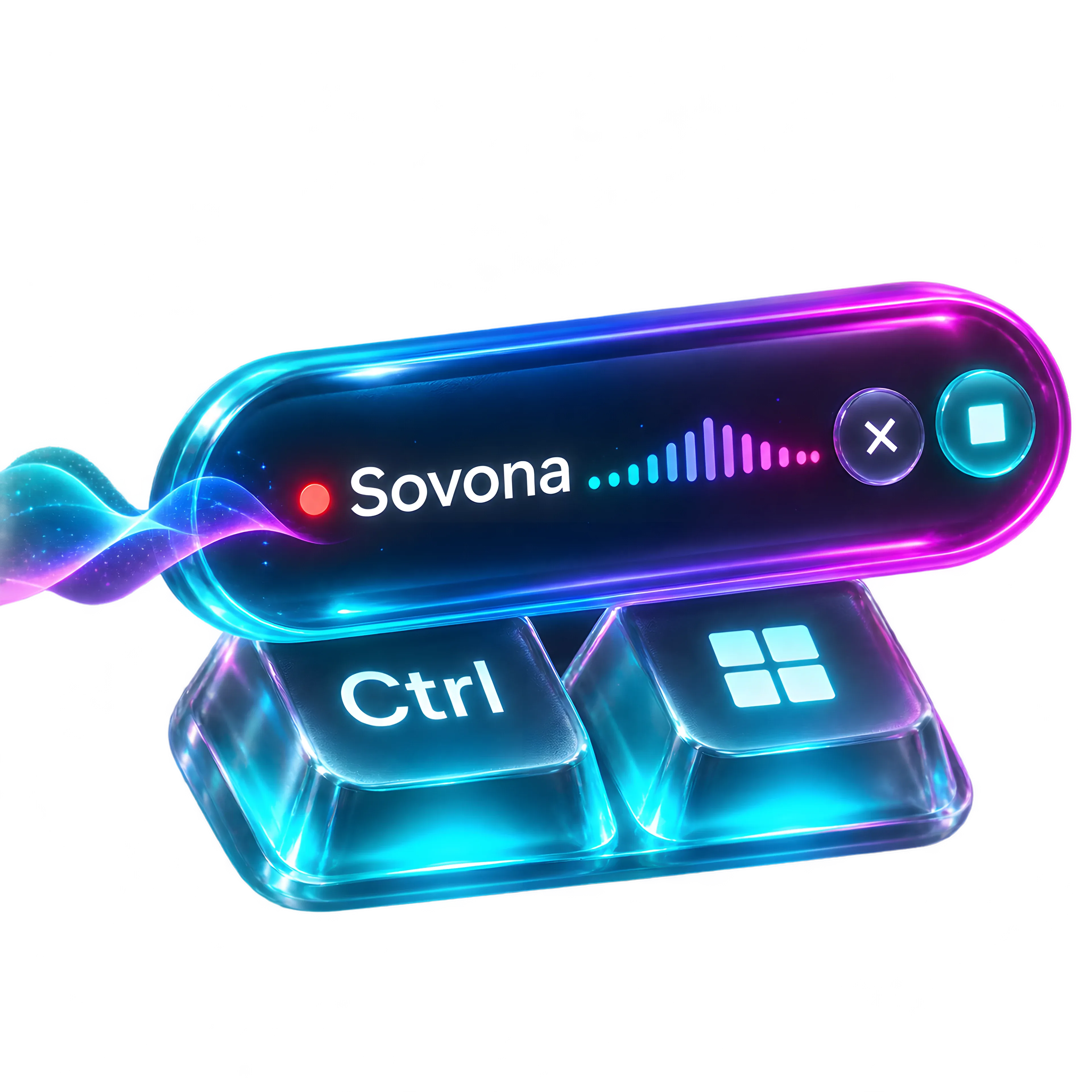
Hold Ctrl + Win, or say "Hey Sovona", and speak the way you normally would. Even the wake word is heard on your PC.
02Transcribe
A speech engine on your own computer turns sound into words, using your graphics card when it helps. No upload, no waiting on a server.
03Polish
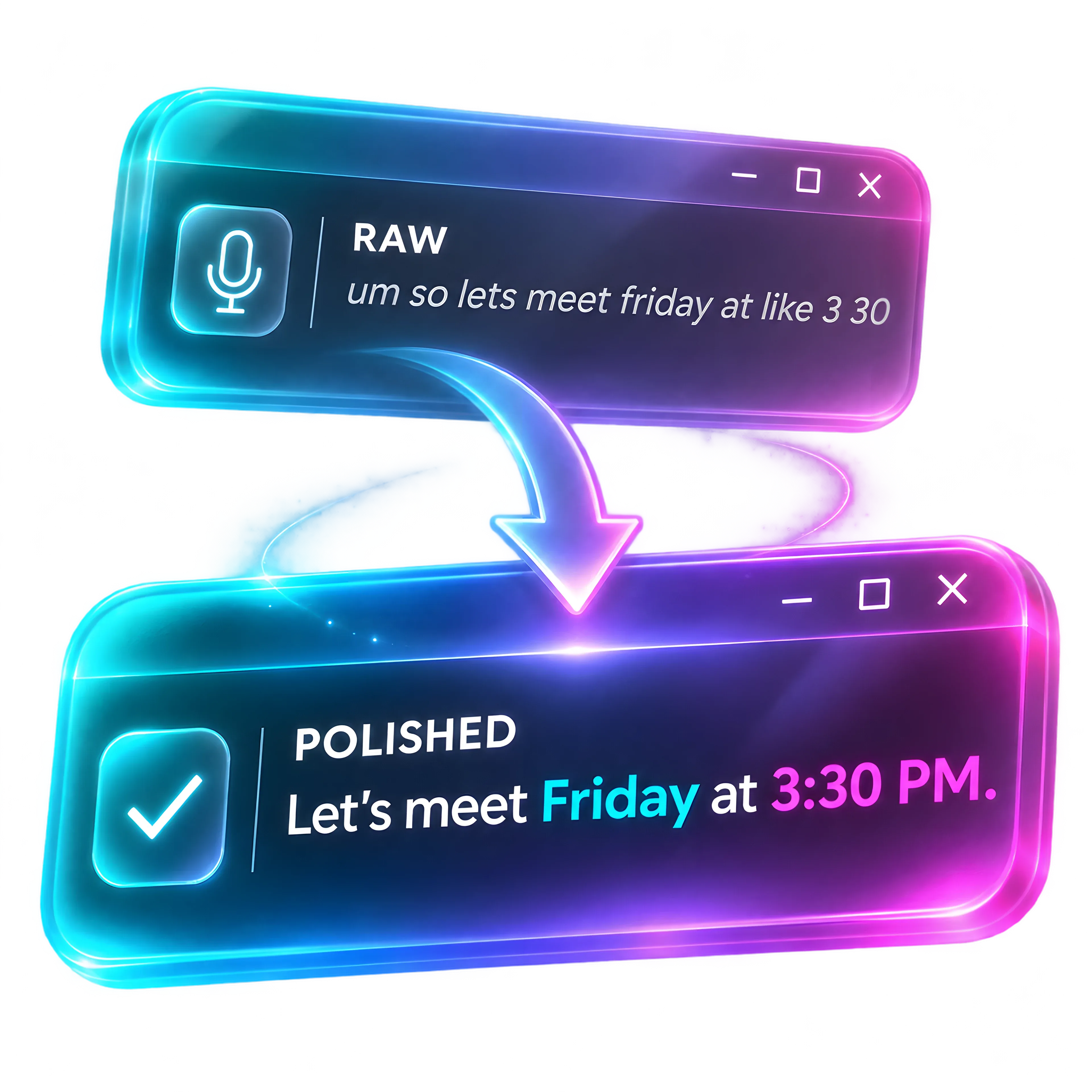
The ums disappear. Punctuation, dates, numbers and money come out right, in the tone your Persona sets.
04Paste
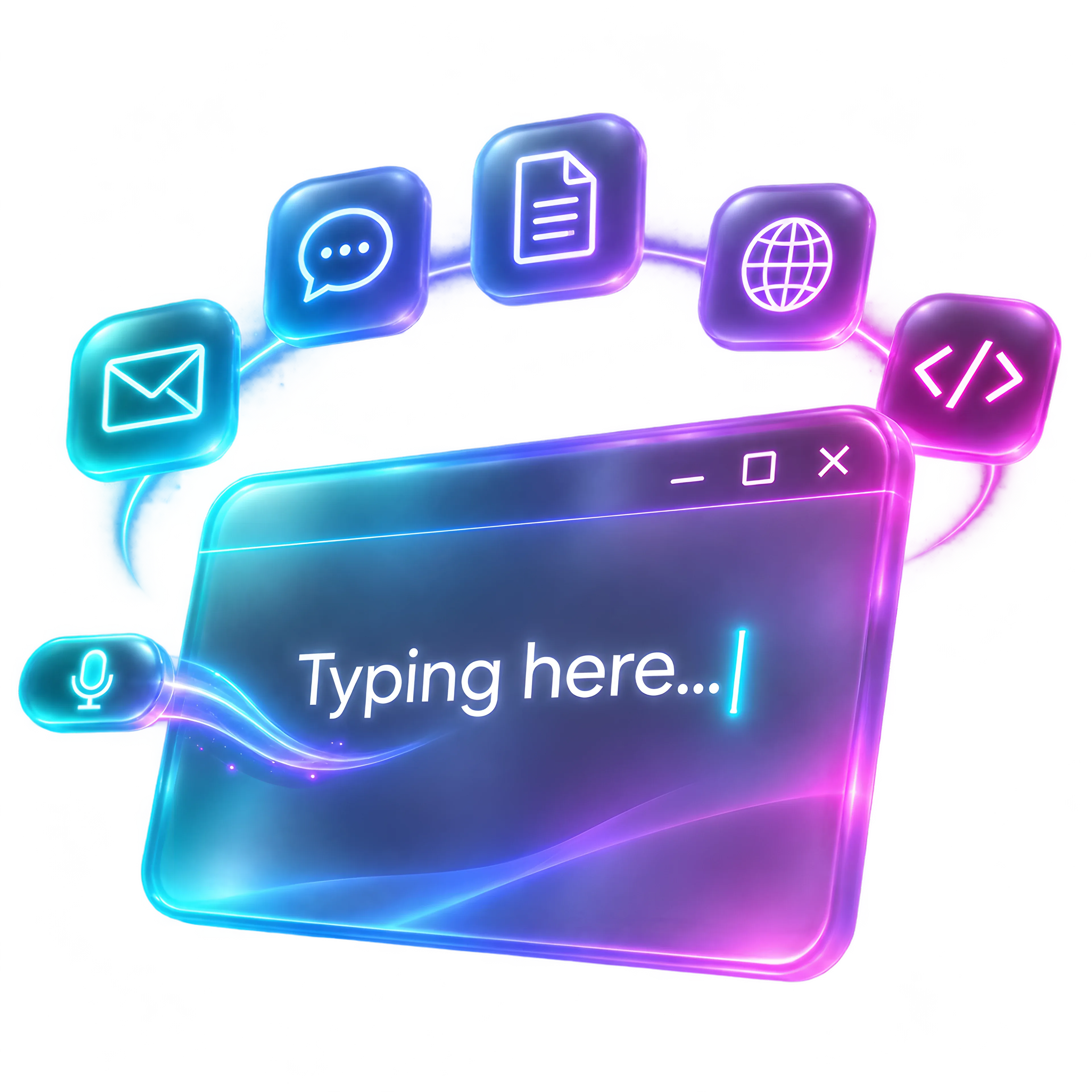
Email, Slack, Word, your browser, your code editor. Sovona types it straight into the app you're in.
05Keep
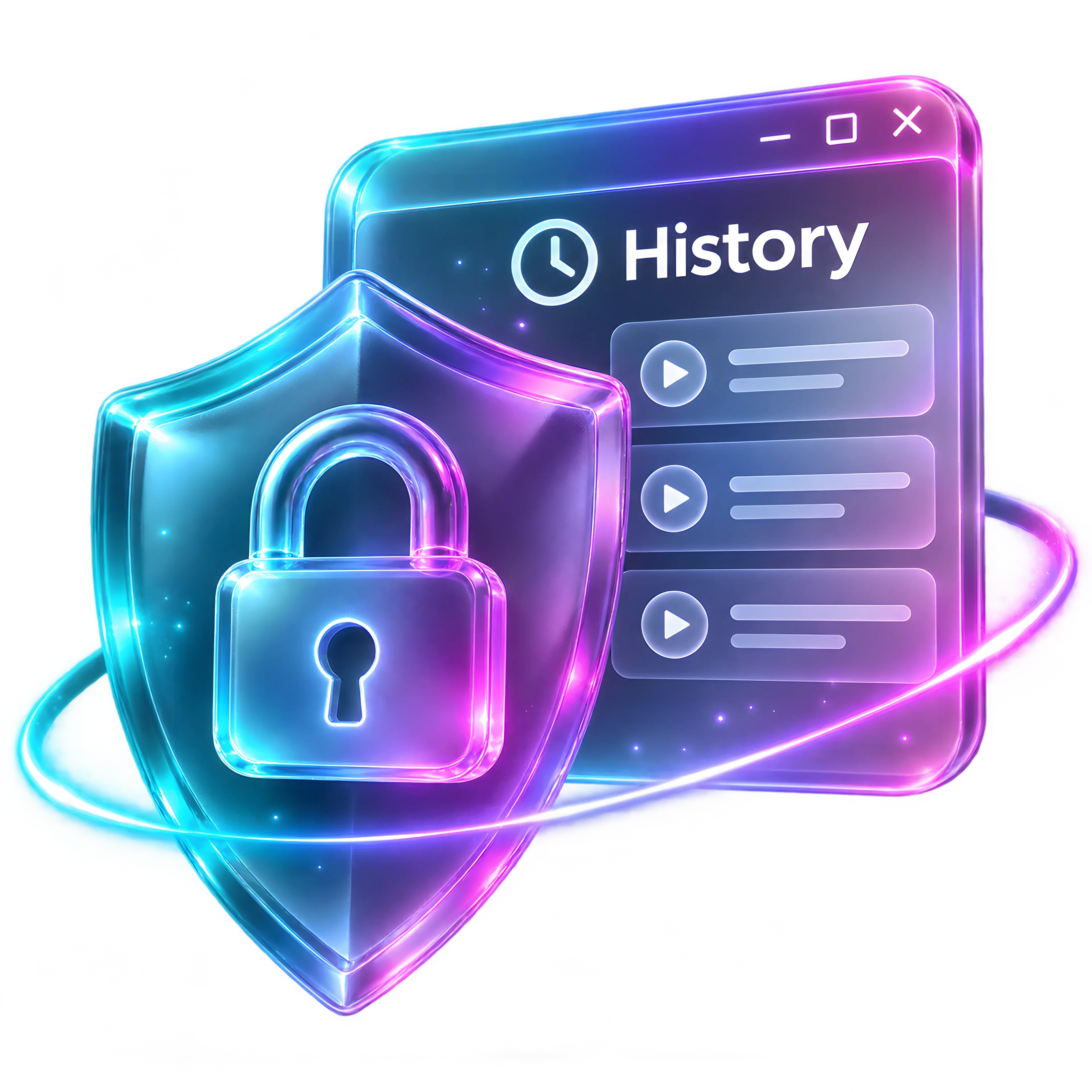
Every dictation is kept in History on your own drive, searchable and yours. Nothing is sent to us, or to anyone.
Everything in one app
Fourteen tools in one private app. Dictate, record, write, ask and listen, all on your PC.
Hold Ctrl + Win and talk. Clean, punctuated text lands where your cursor is: email, Slack, Word, your browser.
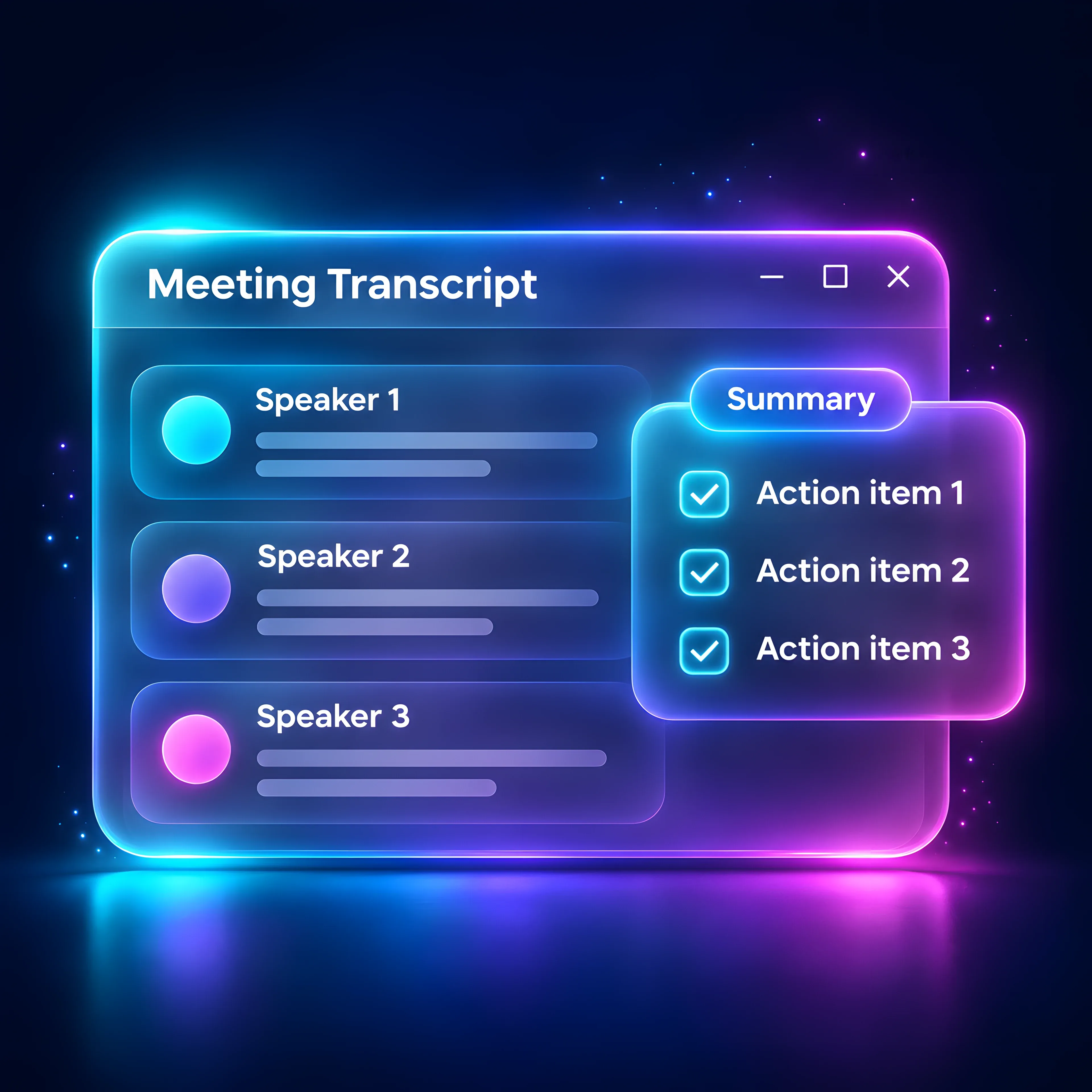
Records your mic and your PC's sound, so nobody joins the call. Sovona spots Zoom, Teams, Meet and Slack calls and offers to record.
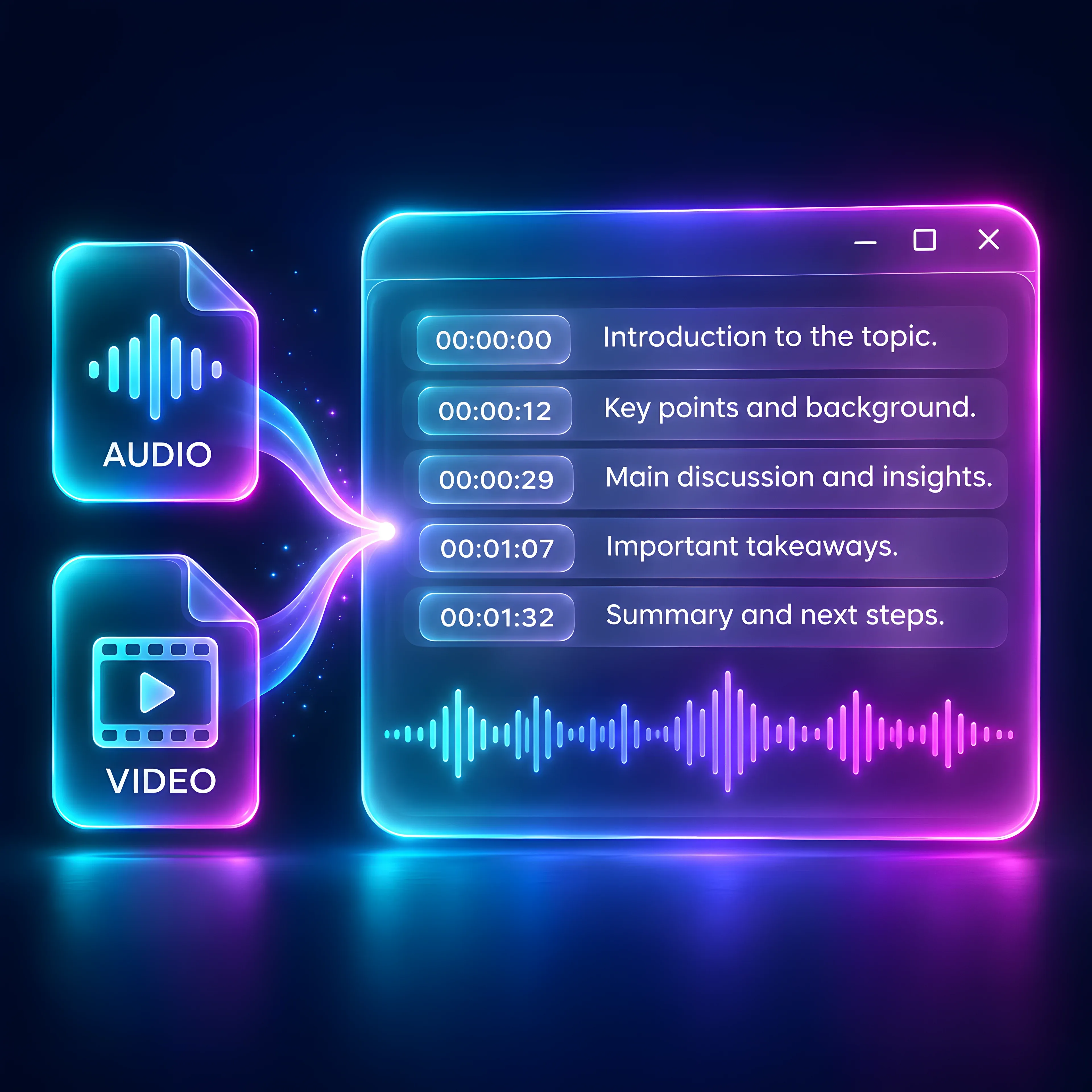
Drop in MP3, WAV, MP4, MOV and more, one file or a whole batch. Or turn on live captions for anything playing on your PC.
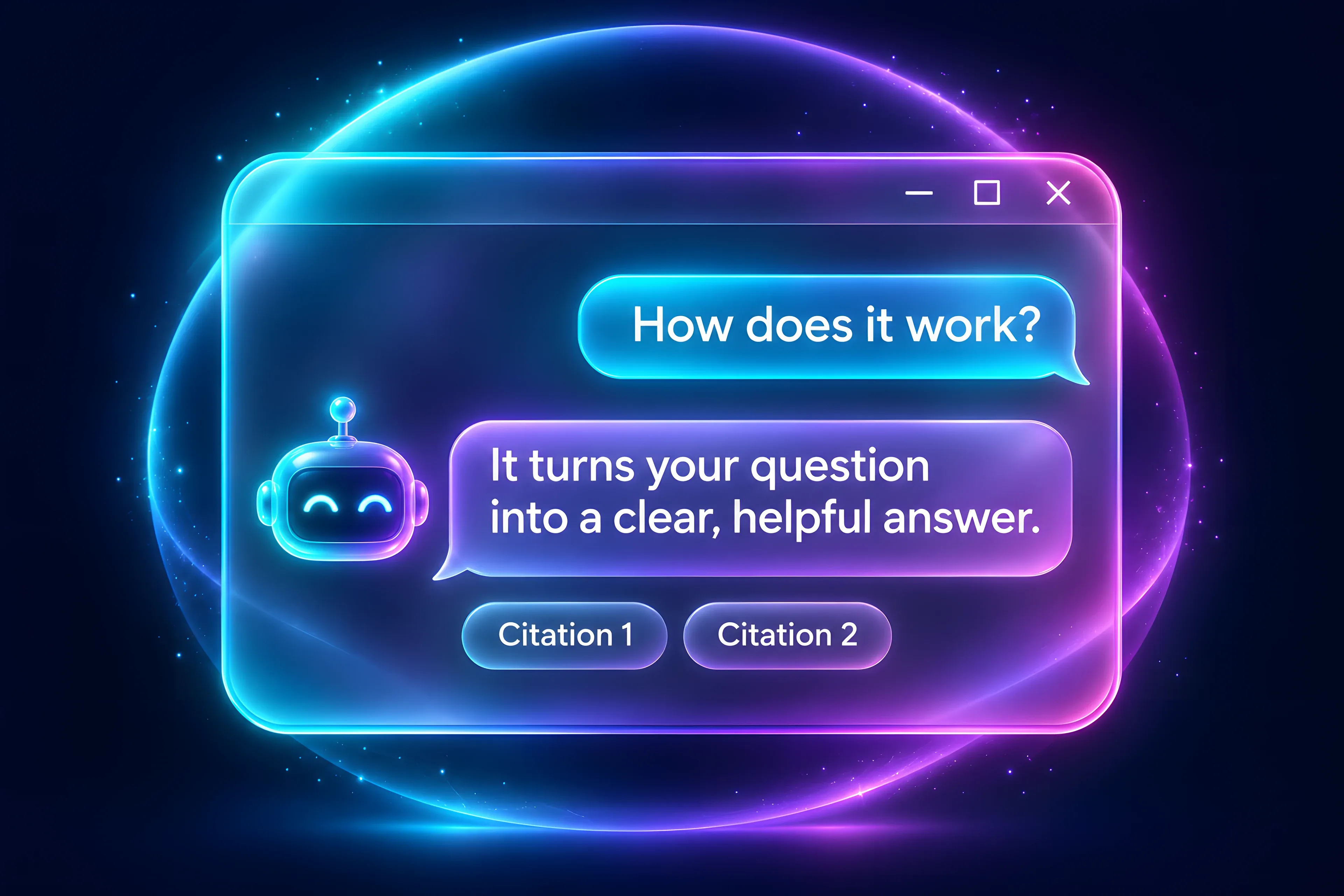
Ask questions and get answers from AI running on your own computer. Already use Ollama or LM Studio? Sovona finds your models.
Select text anywhere, press Alt + R and listen. The voice runs on your PC.
One hotkey captures a note without even opening the app. Pin it, tag it, file it, find it later.
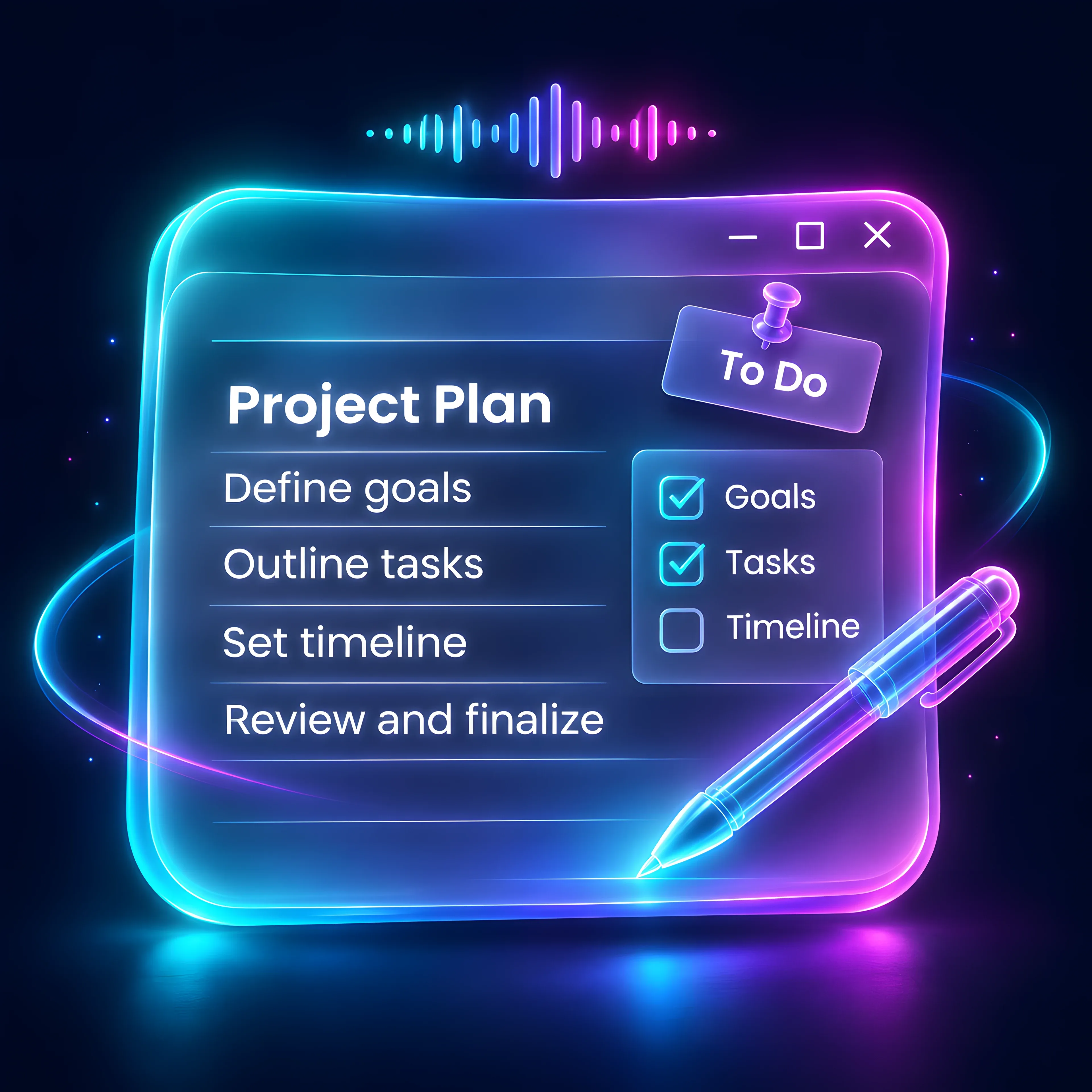
A full editor with headings, tables and images. Dictate straight in, then let AI rewrite, expand or summarise.
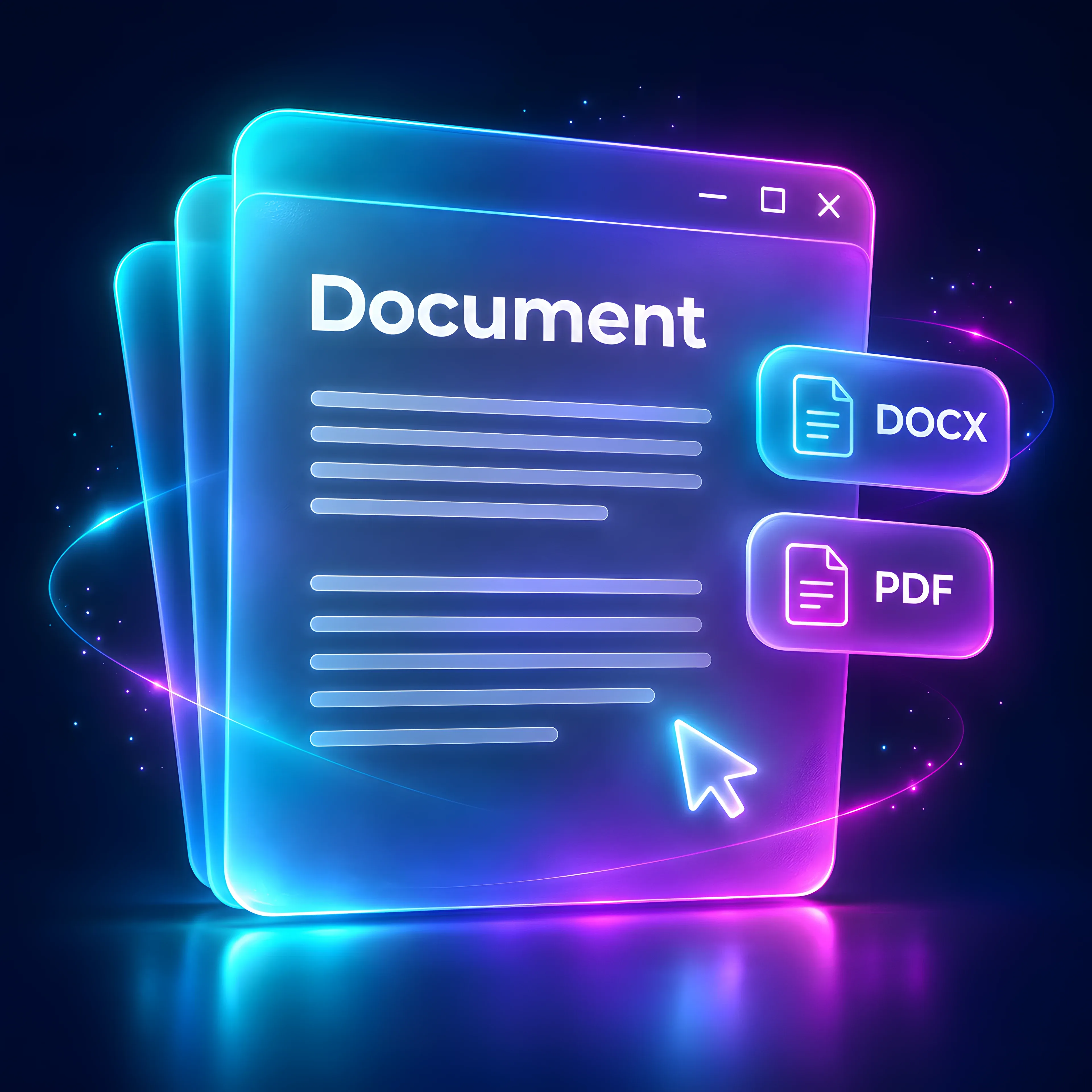
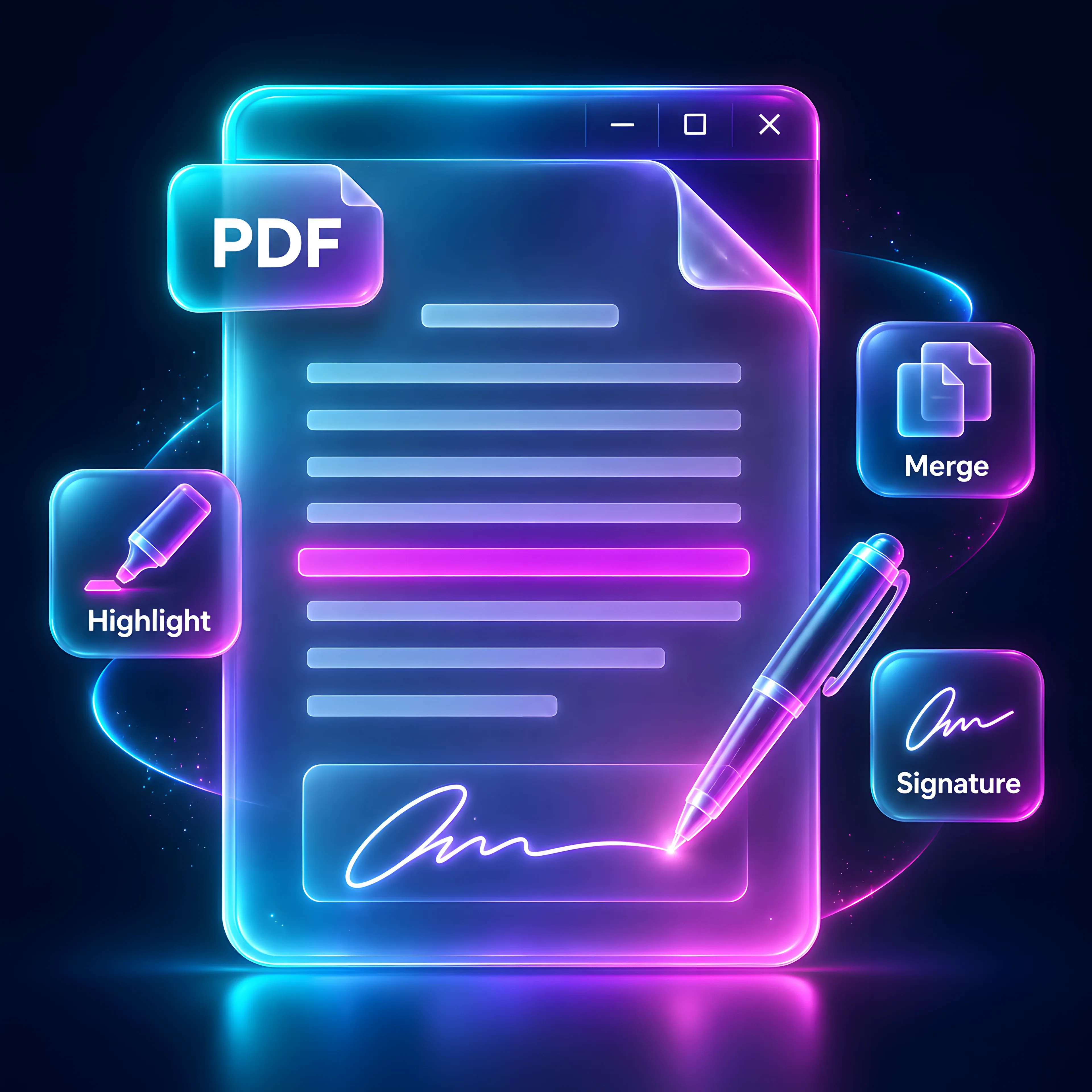
Read, highlight and annotate. Fill in forms and sign. Merge, split, rotate and compress.
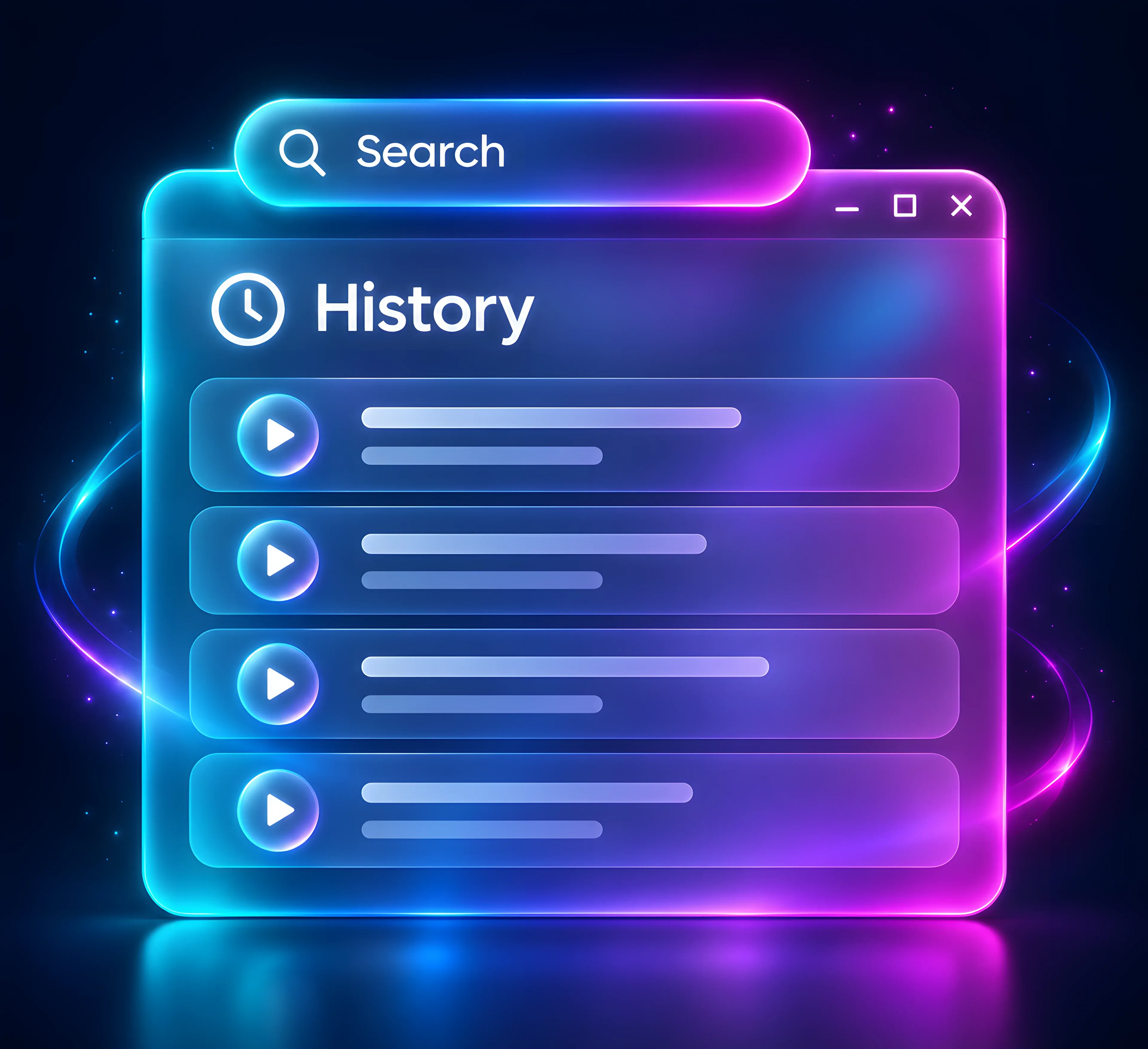
Every dictation is saved on your PC, raw and cleaned, with the app, time and language.
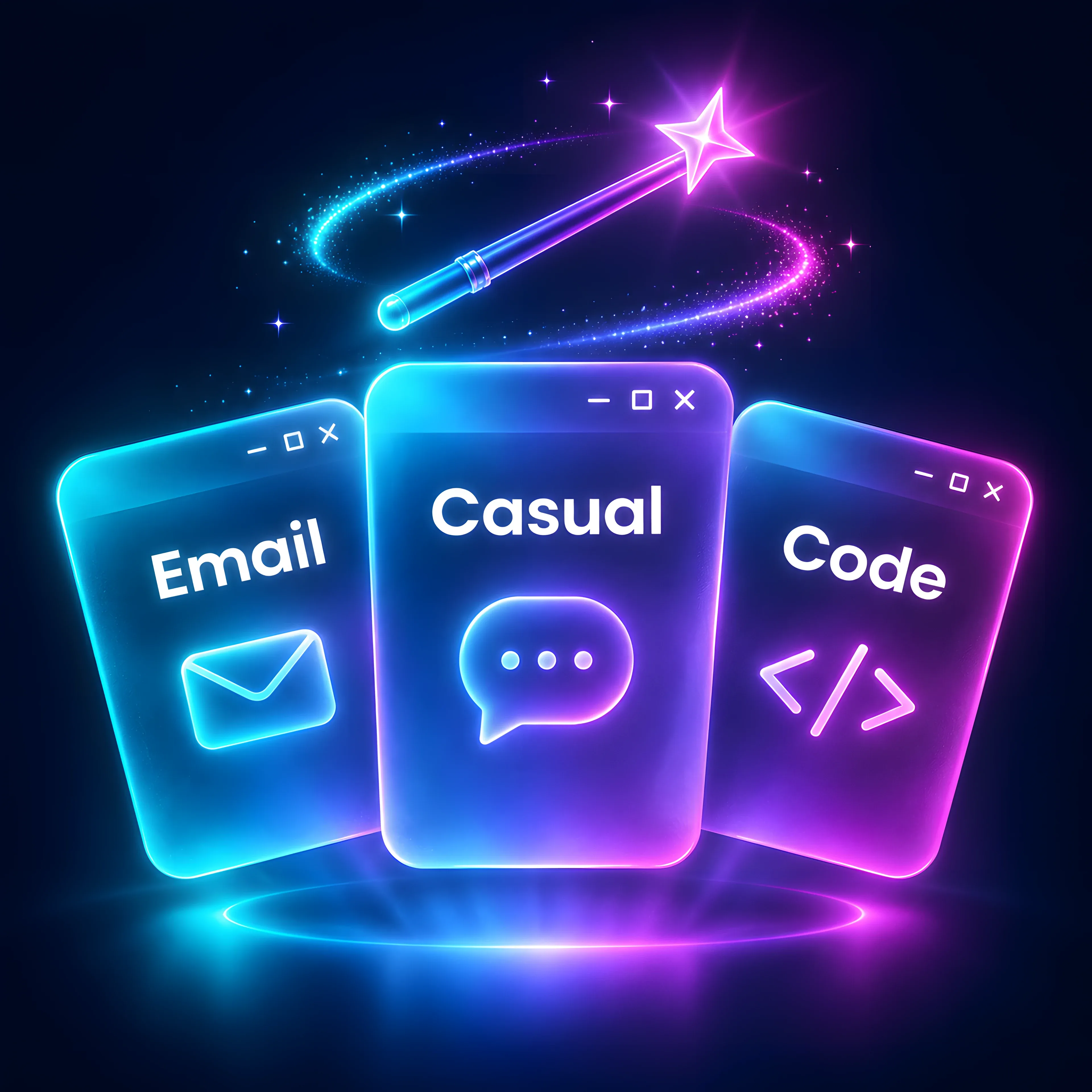
Formal in Outlook, relaxed in Slack, exact in your code editor. Sovona switches style by itself.
Teach Sovona the names, brands and jargon you use, and set your own replacements.
Say "insert my signature" or "my address" and the full text appears.
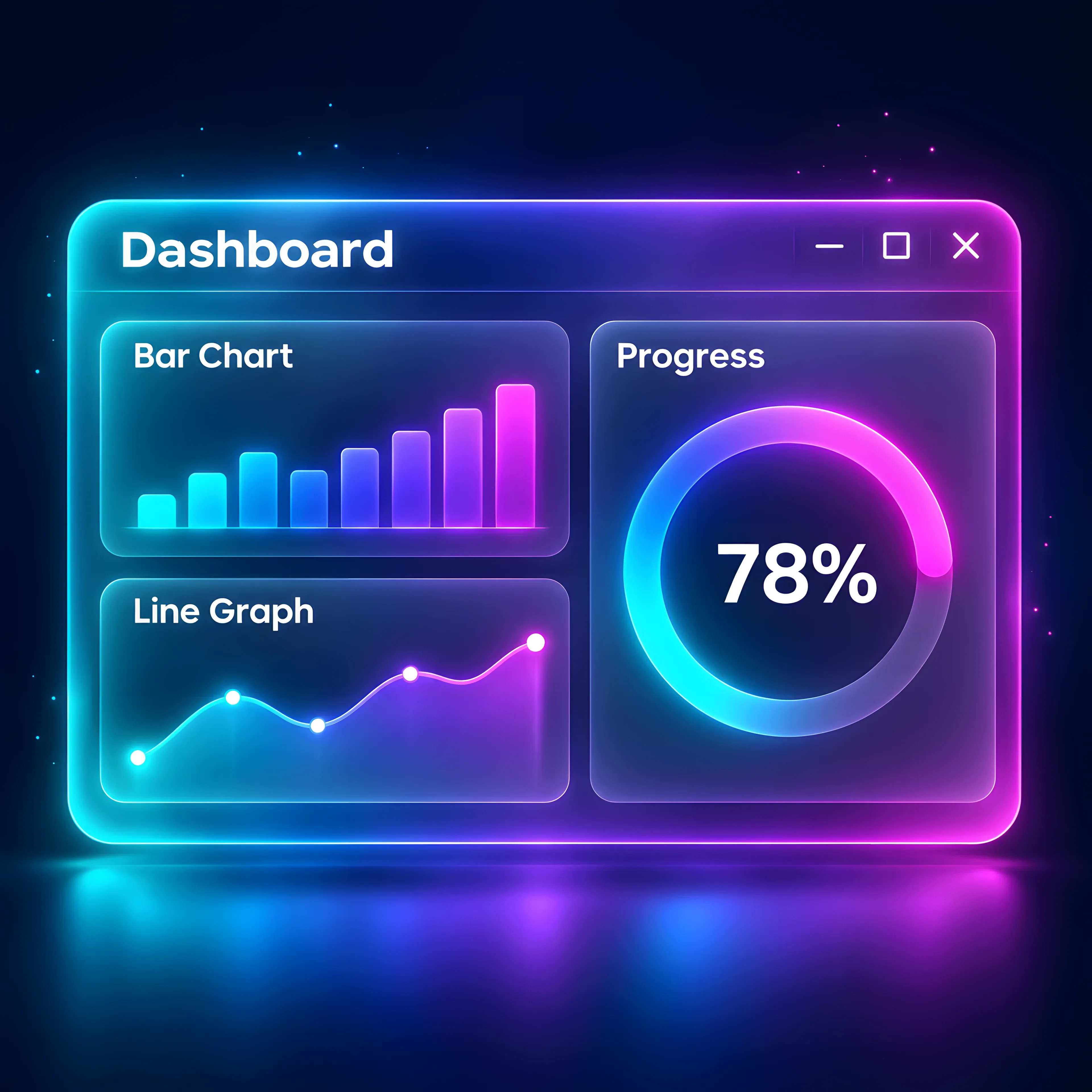
Words dictated, time saved against typing, your speaking speed, streaks and top apps.
A clear privacy dashboard shows what stays on your PC and what, if anything, goes online.
Fast, light and fluent
Sovona tunes itself to your computer and your languages, so it feels quick and natural from the very first word.
 90+ languages
Dictate in more than 90 languages. The app itself speaks English, Arabic, Persian, Spanish, French and Chinese, with right-to-left done properly.
 Live translation
Talk in one language and Sovona types in another, as you speak.
 Auto-tuned
Sovona detects your graphics card and sets up the fastest speech engine for it, all by itself.
 Noise cancelling
 and whisper mode keep your words accurate, loud room or quiet library.
 Stays out of the way
Nothing else on screen. Your keyboard keeps working while Sovona listens.
Plans
Every feature, free for 7 days. Cancel in two clicks before it ends and you pay nothing.
Sovona Local on your computers, for life, with every desktop update.
$150once
Private dictation and every other feature, running on your PC.
$10/month
After your 7 free days
Everything in Local, plus fast cloud engines when you choose them.
Price
Coming soon
We'll share it here before the Cloud plan opens.
Arrives after launch
Side by side
 LocalAvailable now
 FoundersLaunch offer
 CloudComing soon